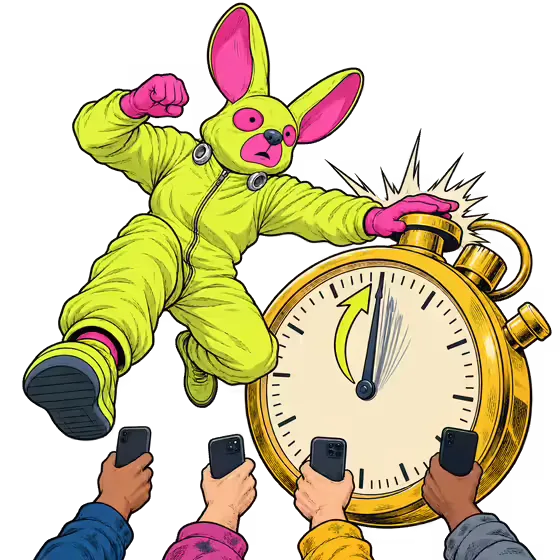
Get them bidding on your piece, not comparing your price.
Auctions that last seconds, with the clock on your side.
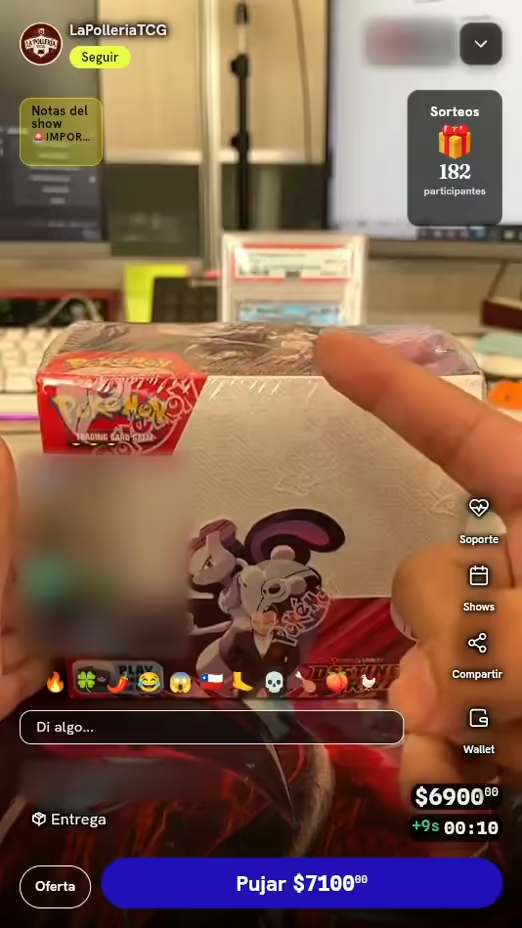
Best for: one-of-a-kind pieces your audience wants. Cards, sneakers, sealed boxes, collectibles.
Nobody wins on a lucky last-second snipe.
Extra time for late bids
- You set how long the lot runs.
- If someone bids in the last 5 or 10 seconds, the clock resets to 5 or 10.
- Sudden death: turn the reset off and the last bid wins.
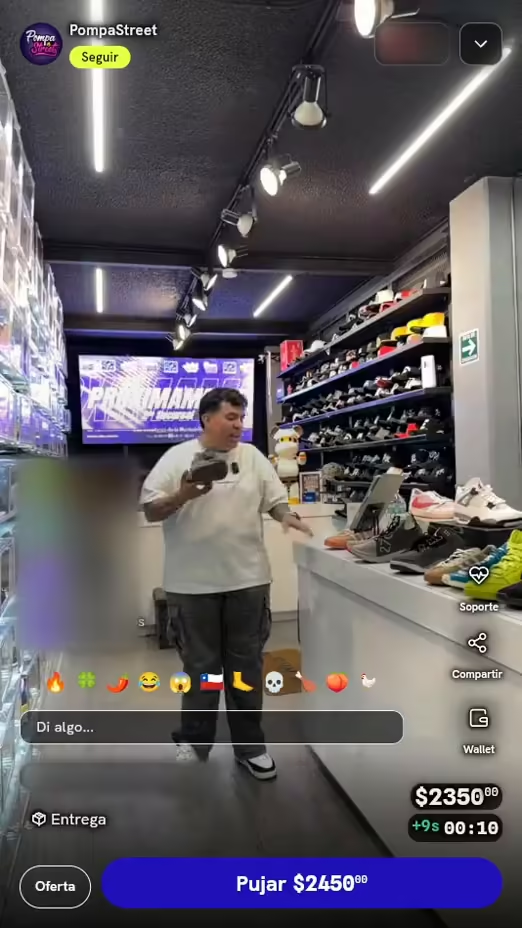
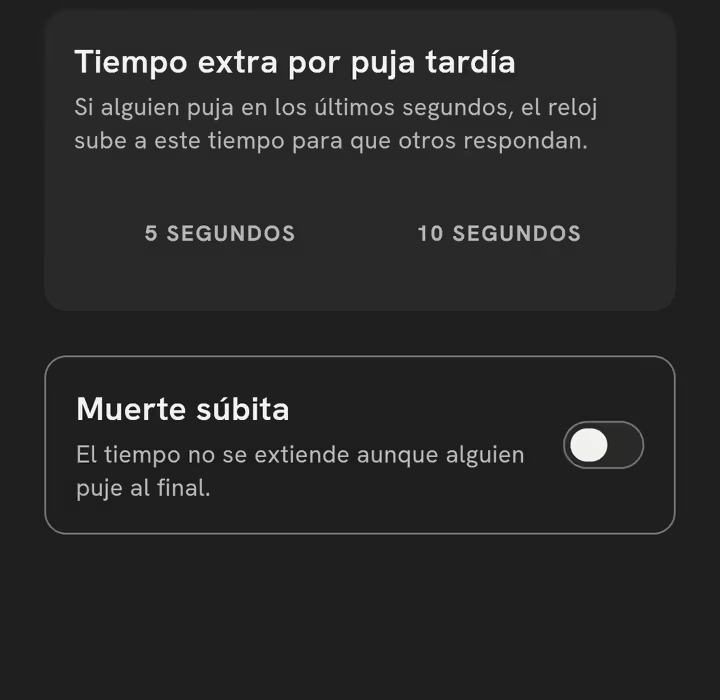
Tiempo extra por puja tardía
Regresa a 0:10. Los demás alcanzan a responder.
Muerte súbita
Sigue hasta 0:00. Gana la última puja.
Your piece has bids before you go live.
Pre-bid
- You post the lot before the show.
- Buyers leave their max bid.
- When the lot opens, the pre-bid is already in the running.
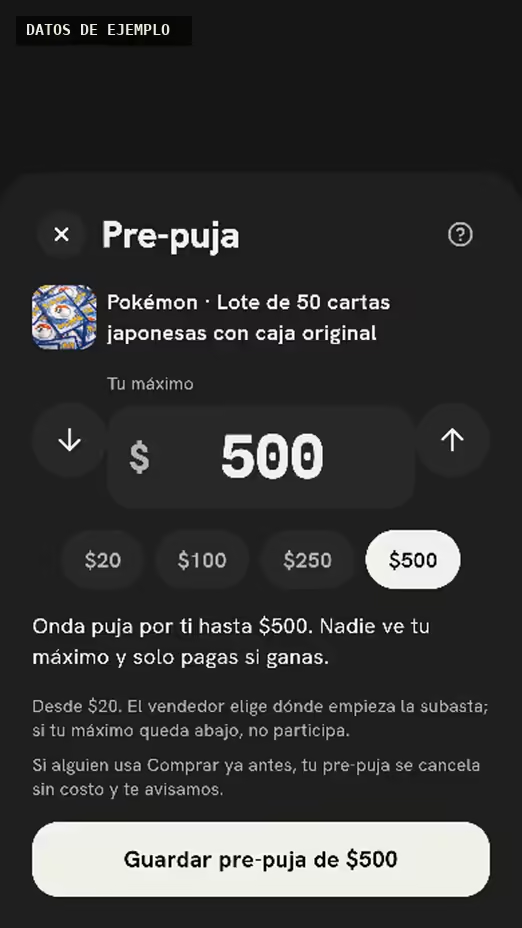
- Máximo más alto: va arriba al abrir
- Otro máximo: compite
- Abajo de tu Puja inicial: no participa
What the fast auction does at every stage
Before
Pre-bid item
You post the lot and your audience leaves their max bid.
Live
Auction now
The clock runs. Every late bid adds time.
After
The app collects
Everyone sees “… won the auction” and the app charges the winner.
Fast auctions: today vs. with Onda
| Today | With Onda | |
|---|---|---|
| Every bid with its price | Bids scattered across the chat | Every bid with its price |
| The clock resets | Snipes in the last second | The clock resets |
| Pre-bids before the show | Waiting for bidders to show up | Pre-bids before the show |
| The app charges them | Chasing the winner by DM | The app charges them |
Your first fast auction, step by step
In the app, it's called “Auction.”
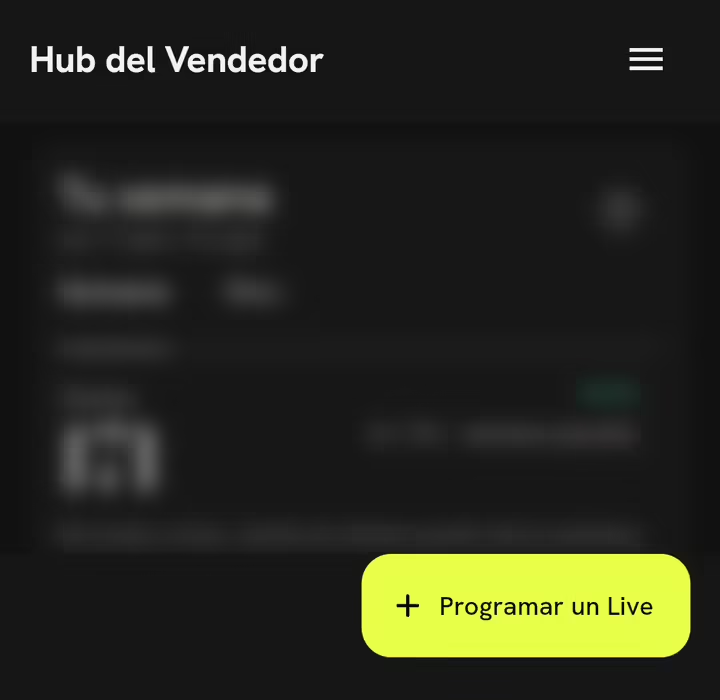
Tap Sell, open Seller Hub and tap Schedule a Live.
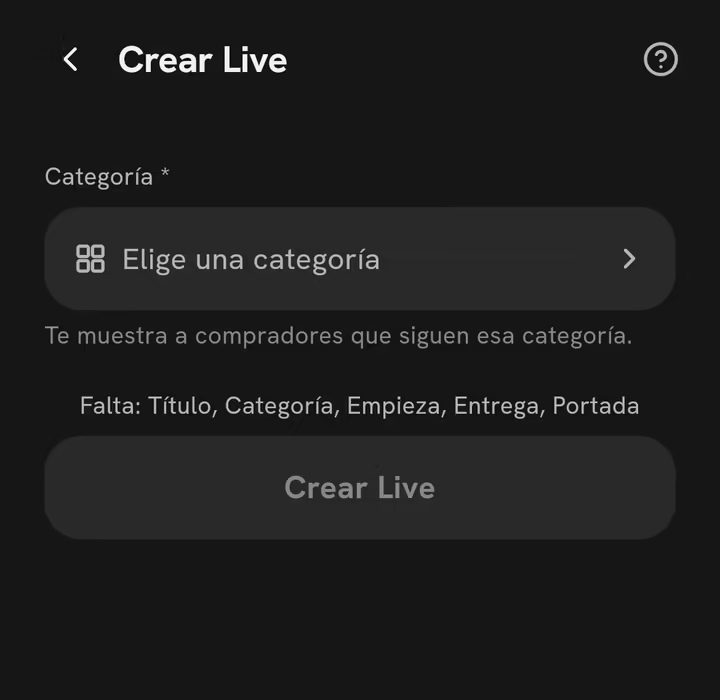
In Create Live, fill in the title, category and time, then tap Create Live.
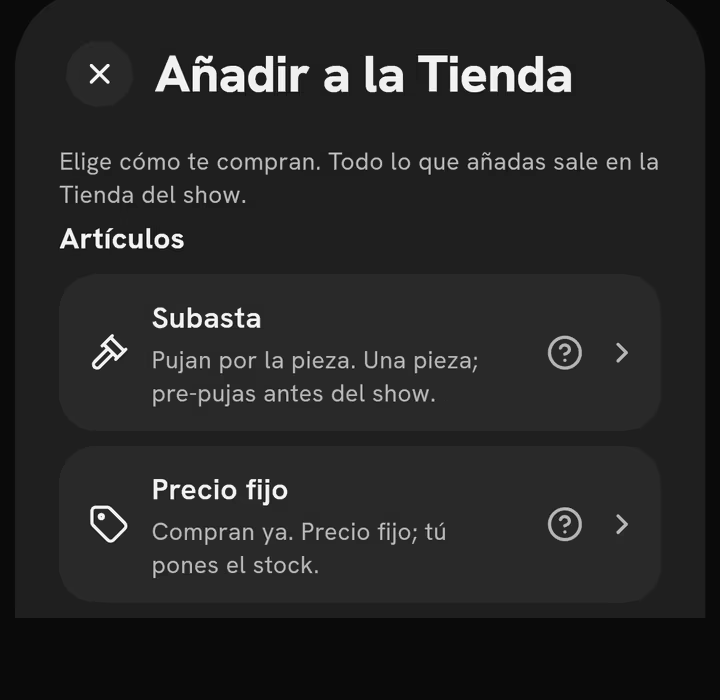
In Prepare your show, open the Show shop, tap Add and choose Auction.
Pick the Extra time for late bids or turn on Sudden death.
Lo que preguntan los vendedores
What's the lowest a pre-bid can start at?
MX$20. You set the Starting bid when you auction the piece. Pre-bids below that price don't count.
What if someone bids in the last second?
The clock resets to 5 or 10 seconds so others can answer. With Sudden death, it doesn't reset.
Who charges the winner?
The app. The winner pays by card, so you never chase payments by DM.
Can I sell at a fixed price in the same show?
Yes. In the Show shop, add a Fixed price item or a Claim.
Fast auction fee: 13% + MX$3 + IVA por venta
Put your first piece up for auction.
Post the lot, collect pre-bids, and let the clock do the work.