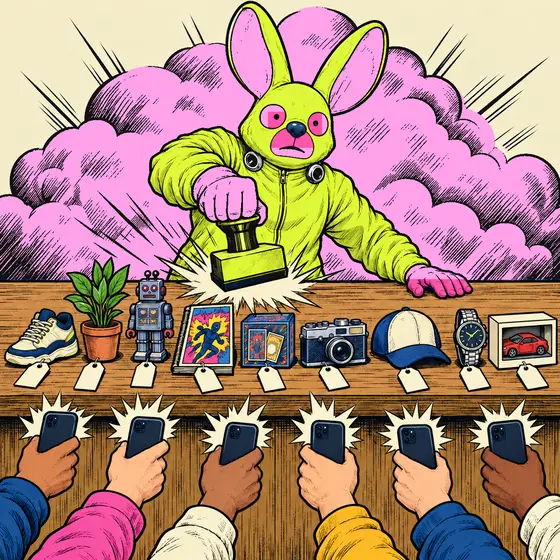
Put a fixed price on your whole lot. First tap takes it.
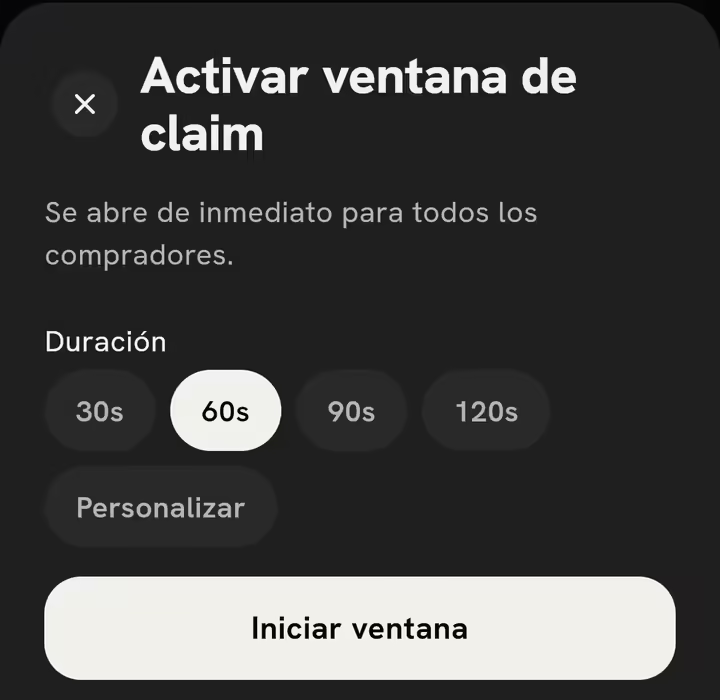
Open a timed window. Whoever taps first pays in the app.
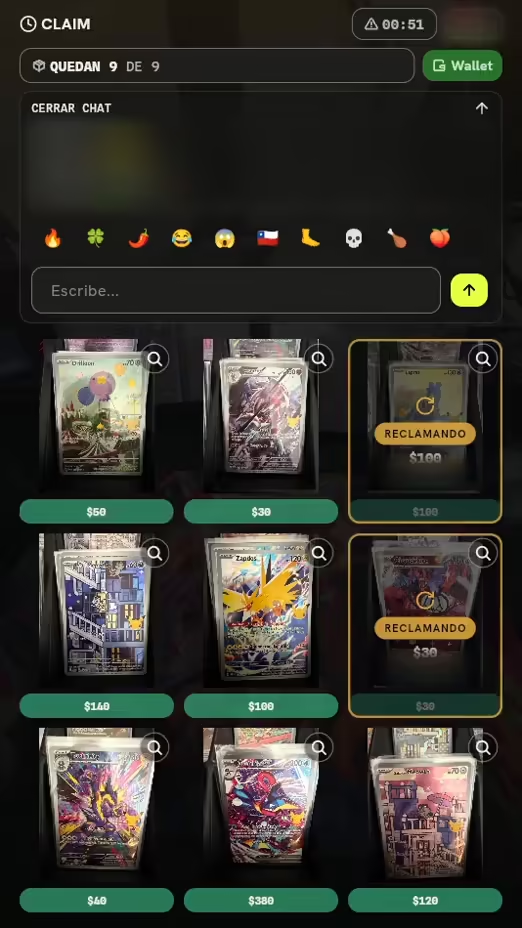
Best for: lots of single pieces at a fixed price. Singles, sneakers, toys, comics.
The clock creates the urgency for you.
Start claim window
- Put a fixed price on every piece in the drop.
- Once you're live, pick the Duration and tap Start claim window.
- Everyone sees the prices at the same time and taps Buy for the price.
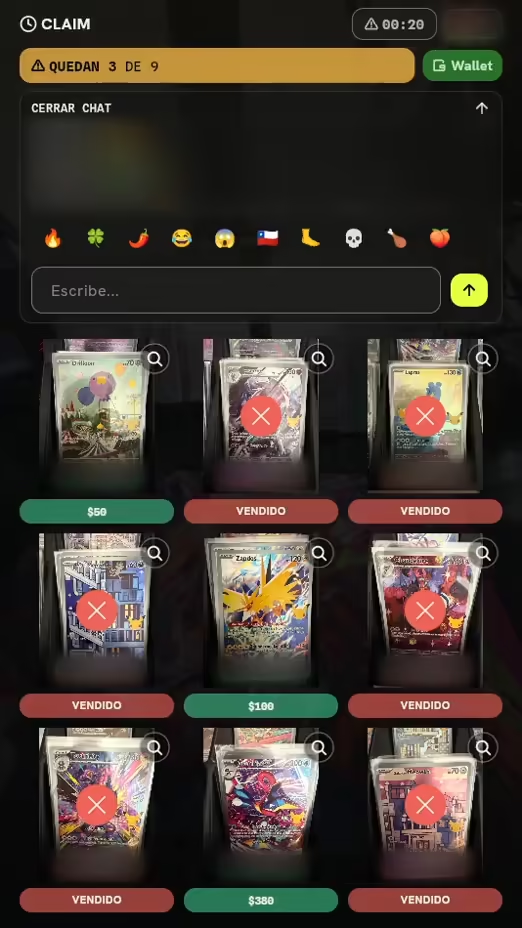
One piece, one owner, no fights in the chat.
SOLD
A y B tocan Comprar por en la misma pieza.
Onda acepta un solo toque, el de A: le aparta la pieza y le cobra.
B ve VENDIDO y toca otra pieza.
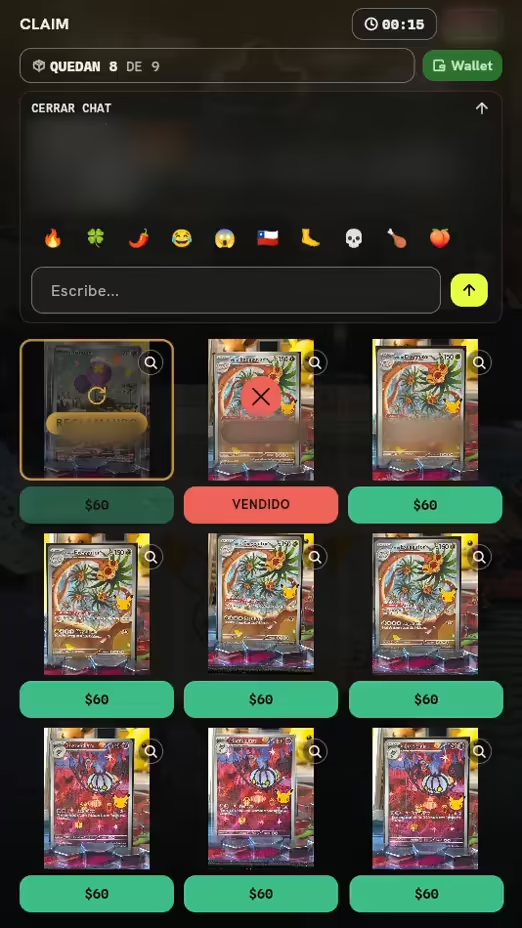
If a card is declined, the piece goes back on sale.
Your bank declined the payment
Tu comprador toca Comprar por La pieza se aparta para él.
Su banco rechaza el pago No se le cobra nada.
La pieza vuelve a la venta Al momento, en Comprar por para todos.
Cambiar tarjeta o Reintentar Con la ventana abierta, la puede tocar otra vez.
Mientras la ventana del drop sigue abierta
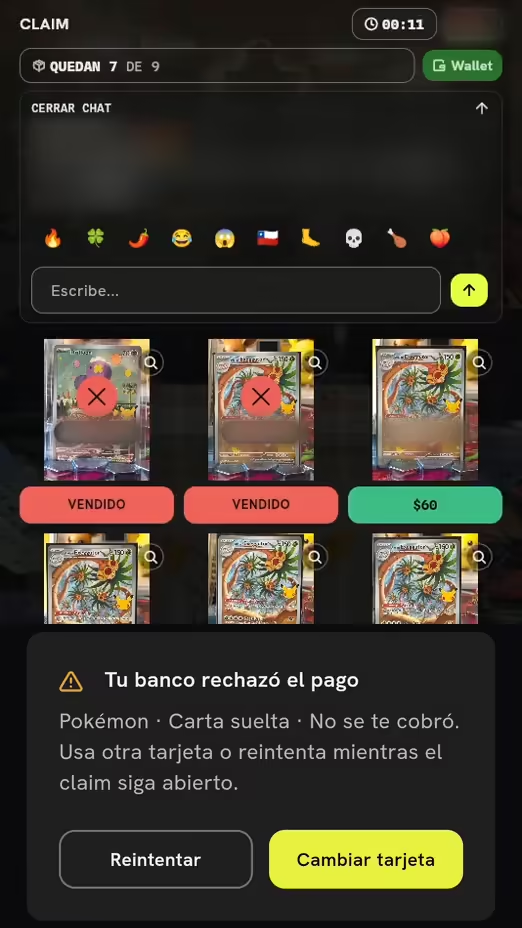
This is what a failed card looks like: the app panel over a recorded show. The decline is a demo.
What the drop does at every stage
Before
Show prices before the show
Your buyers see prices and pick from the Show shop.
Live
Start claim window
The clock runs. Every tap locks the piece and charges the buyer.
After
SOLD OUT
If everything sells, the window closes on its own.
Live drops: today vs. with Onda
| Today | With Onda | |
|---|---|---|
| Tap and it's yours | Holds by DM | Tap and it's yours |
| First tap wins | Fights over who said “mine” first | First tap wins |
| They pay by card when they tap | Chasing one bank transfer at a time | They pay by card when they tap |
| A fixed price on every piece | Prices scattered across photos | A fixed price on every piece |
| Sells out and closes itself | Closing every sale by hand | Sells out and closes itself |
Your first drop, step by step
In the app, it's called “Claim.”
Tap Sell, open Seller Hub and tap Schedule a Live.
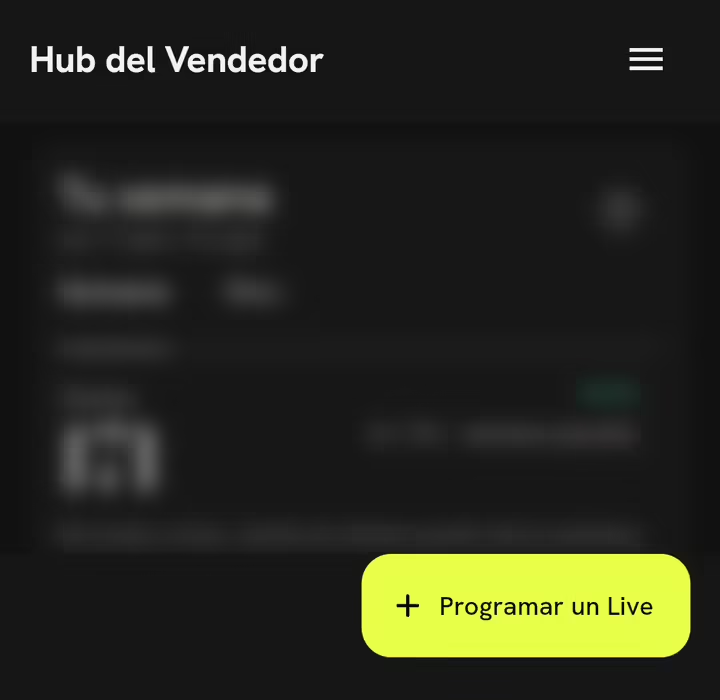
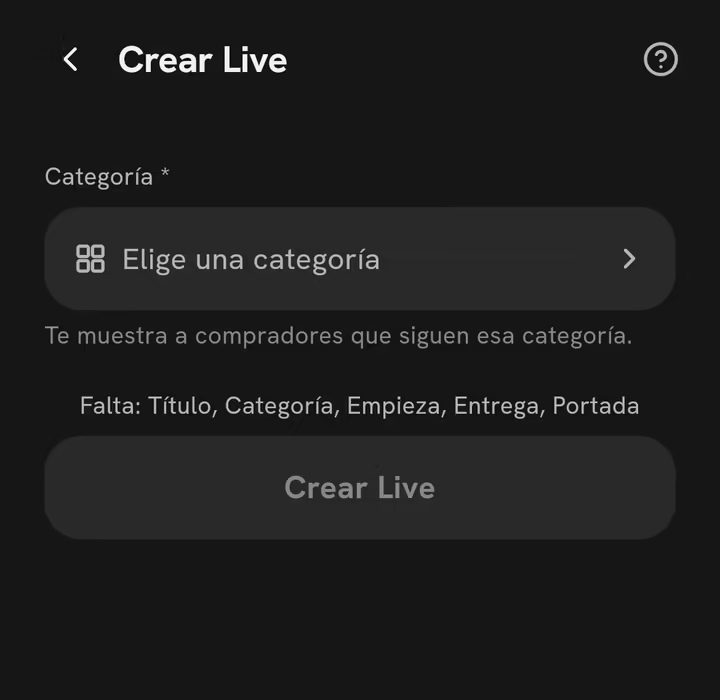
In Create Live, fill in the title, category and time, then tap Create Live.
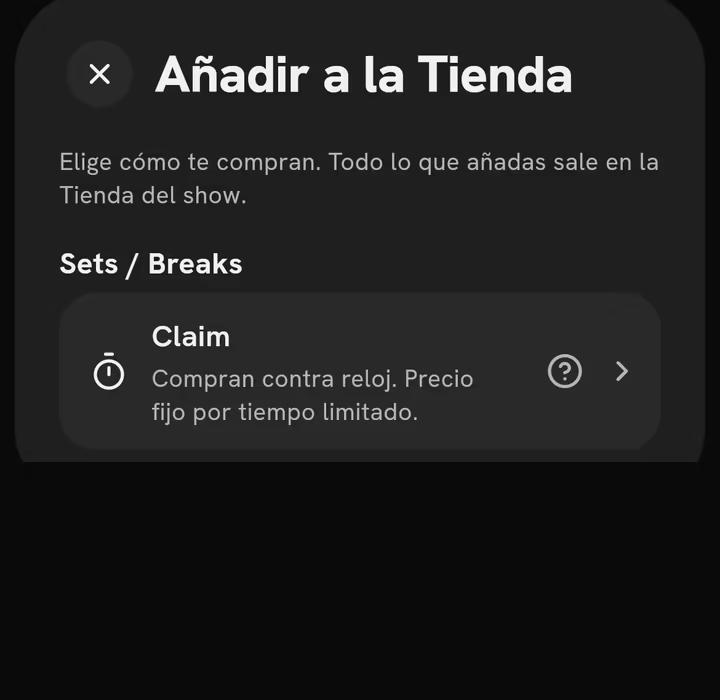
In Prepare your show, open the Show shop, tap Add and choose Claim.
Live: tap Activate claim window, pick the Duration and tap Start claim window.
Lo que preguntan los vendedores
What if two people tap at the same time?
Onda accepts only one tap per piece. The other buyer sees “SOLD” and moves on to the next one.
What if their card is declined?
They see “Your bank declined the payment,” and the piece goes back on sale right away. While the window is open, they can switch cards and tap it again.
How long does the window stay open?
You pick the Duration when you activate it, from 5 seconds to 10 minutes.
Can I run auctions in the same show?
Yes. In the Show shop, add an Auction for your one-of-a-kind pieces.
Drop fee: 13% + MX$3 + IVA por venta
Open your first drop.
A price on every piece, a timed window, and the app collects.