Memes and sounds in your live: your whole show sees and hears them.
Tap a button on the big hit, and the meme plays over your camera.
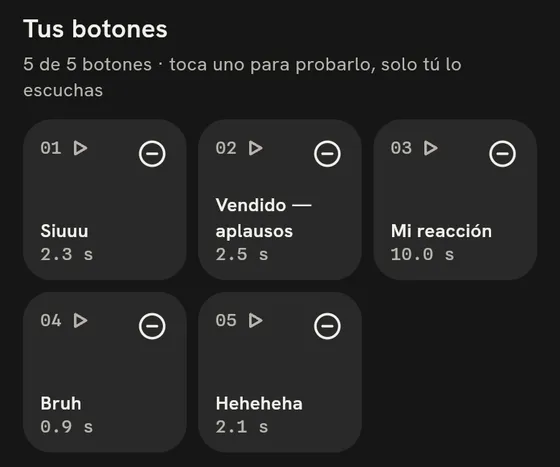
Your five buttons, ready before you go live.
Launch
- In your live, tap Effects.
- Pick one of your five buttons.
- Tap Launch. The effect plays in every buyer's app.
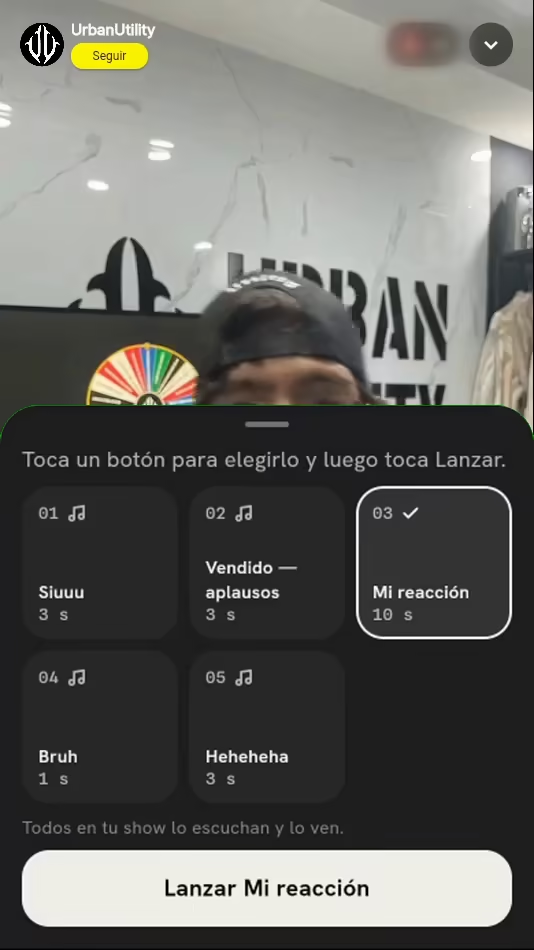

One tap. Your whole show sees it at once.
Tap Launch and the effect plays in every buyer's app at the same time, over your camera.
Your first meme, step by step.
Tap Sell, open Seller Hub and open Memes and sounds.
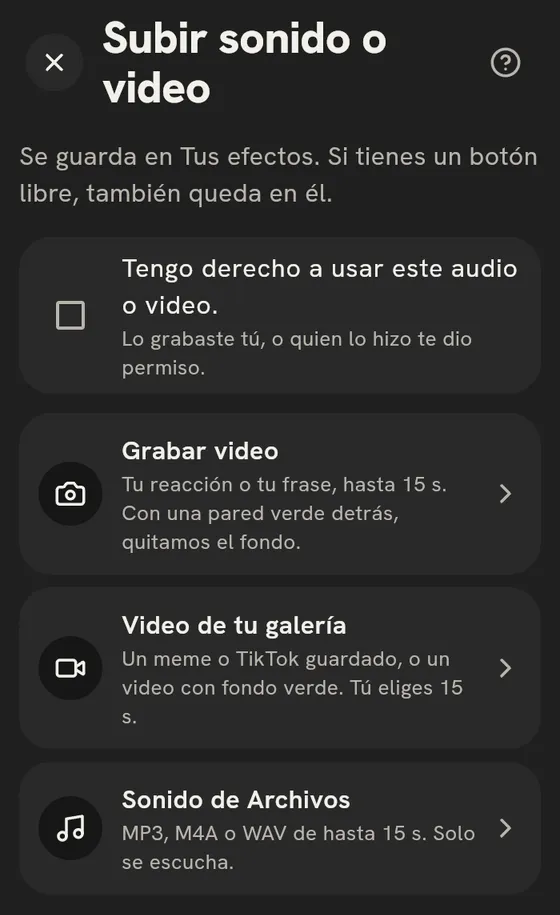
Add an effect: record it, upload it from your gallery or use an audio clip.
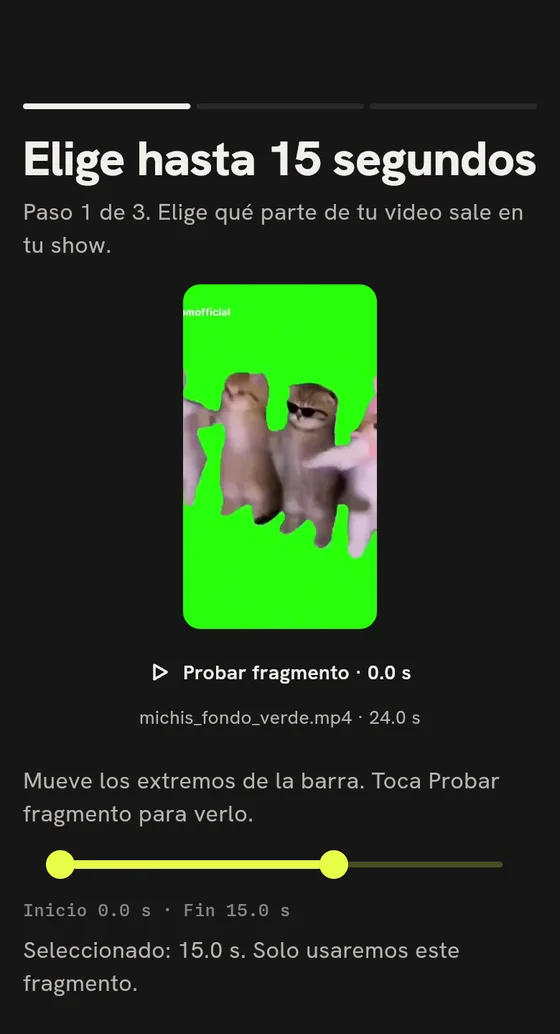
Trim it to 15 s or less and use Play clip to check it.
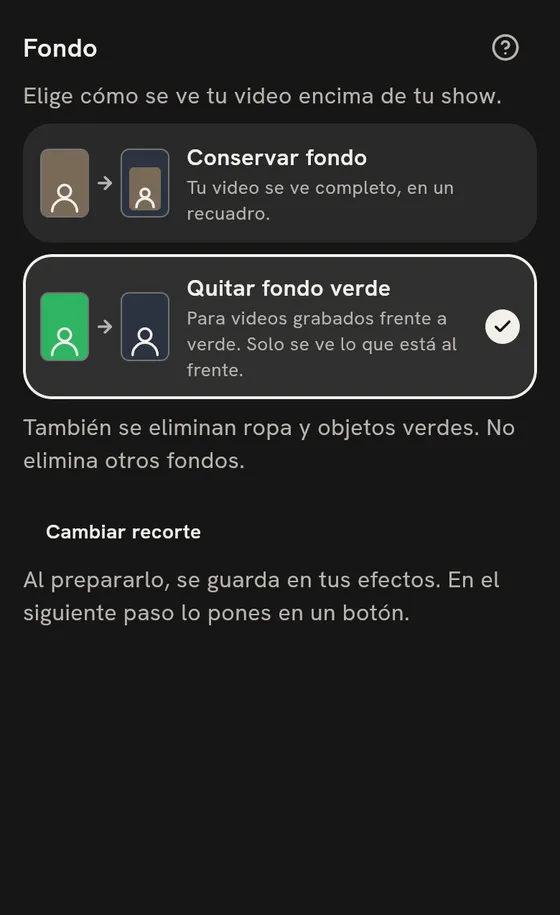
If you recorded in front of a green screen, choose Remove green background.